◉ RECORDING_READY · EXTERNAL_POWER · LOCAL_STORAGE

RunCam Feed CameraEGO Data Solution

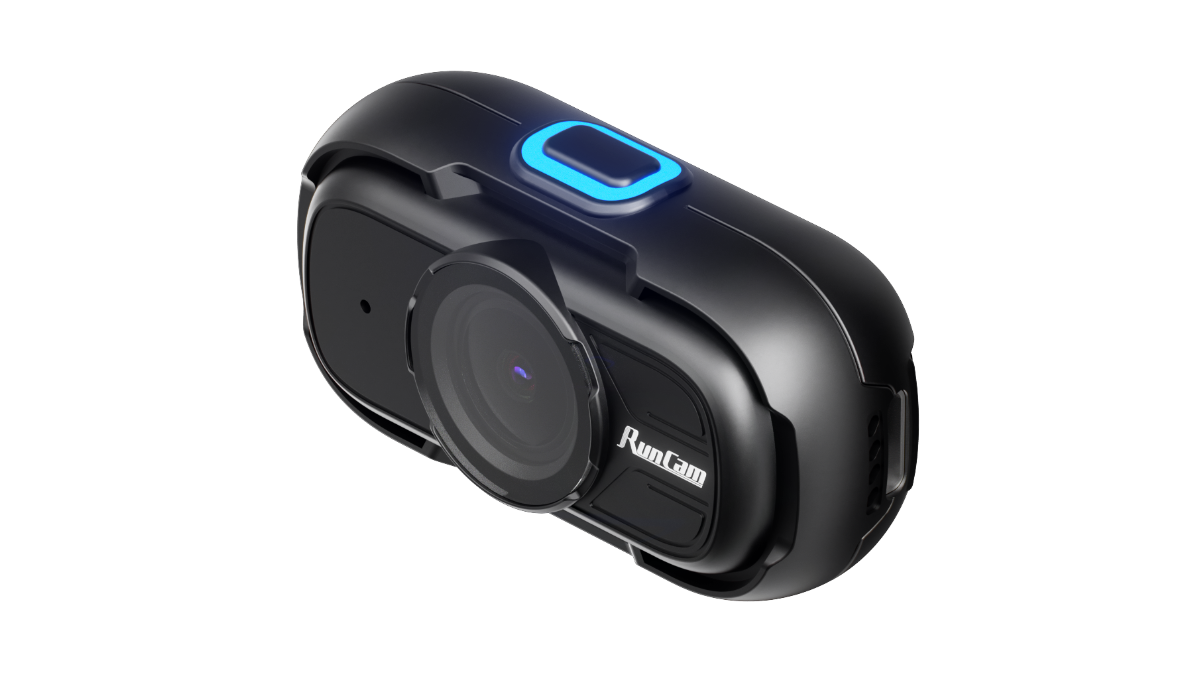
A lightweight wearable camera solution for first-person RGB video and IMU-assisted motion data capture, built for AI dataset projects, task workflow recording, and repeatable field deployment.

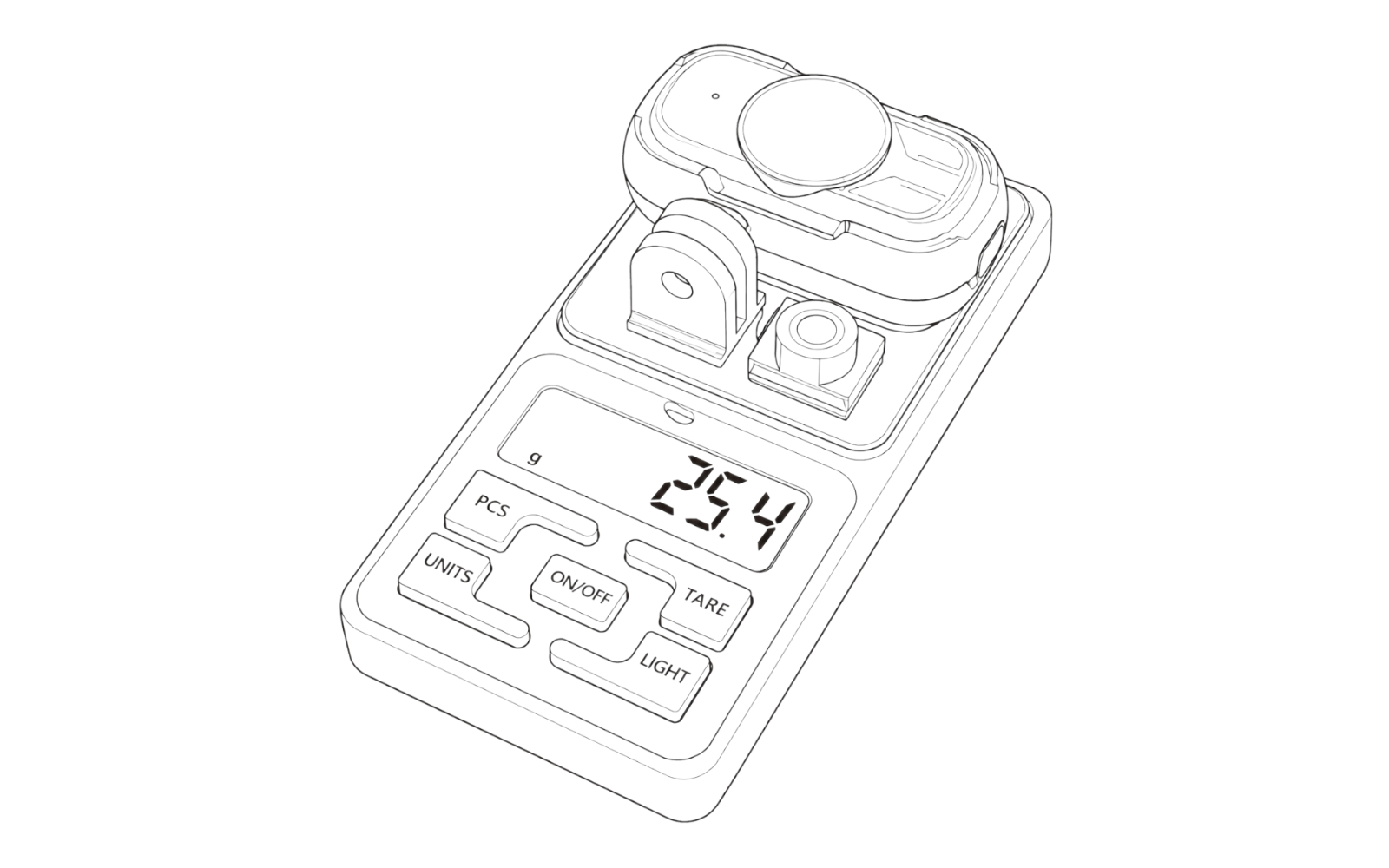
26gApprox. weight
1080P60FPS / 30FPS
150°Diagonal FOV
512GBmicroSD up to 512GB
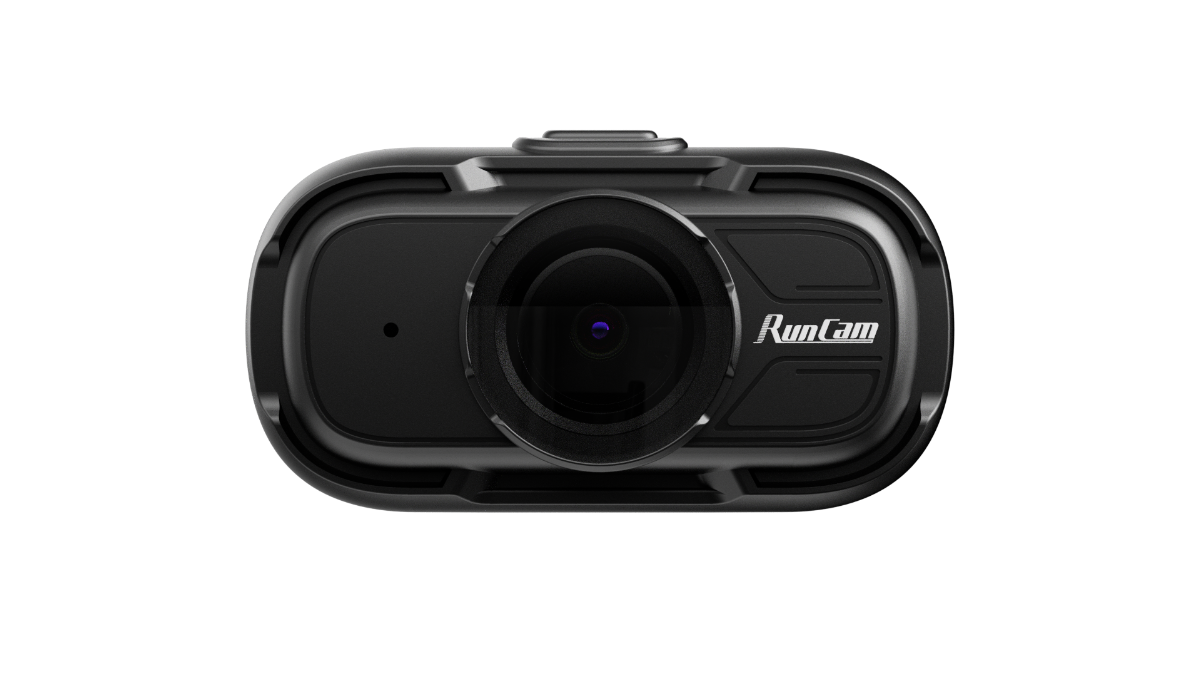
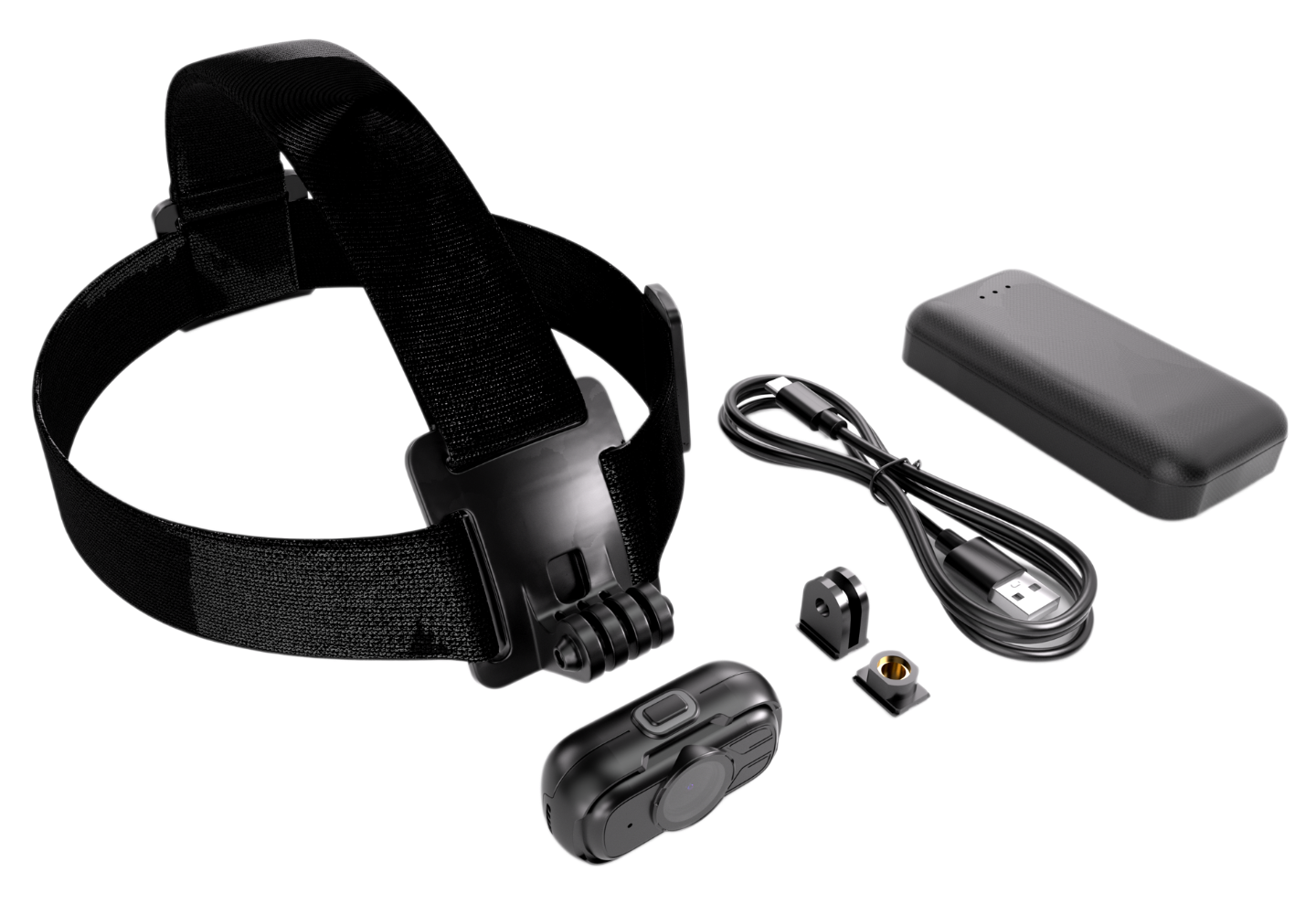
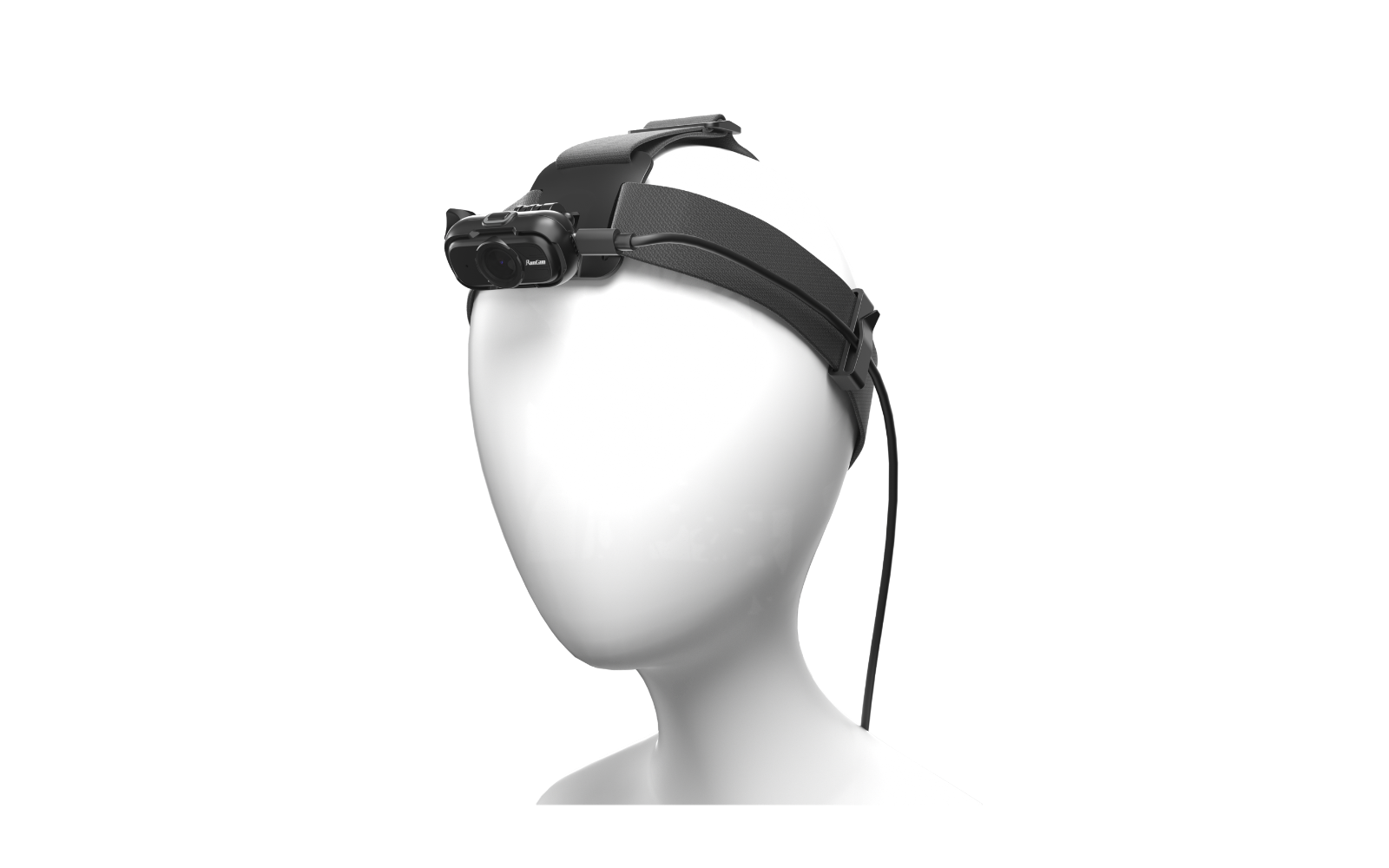
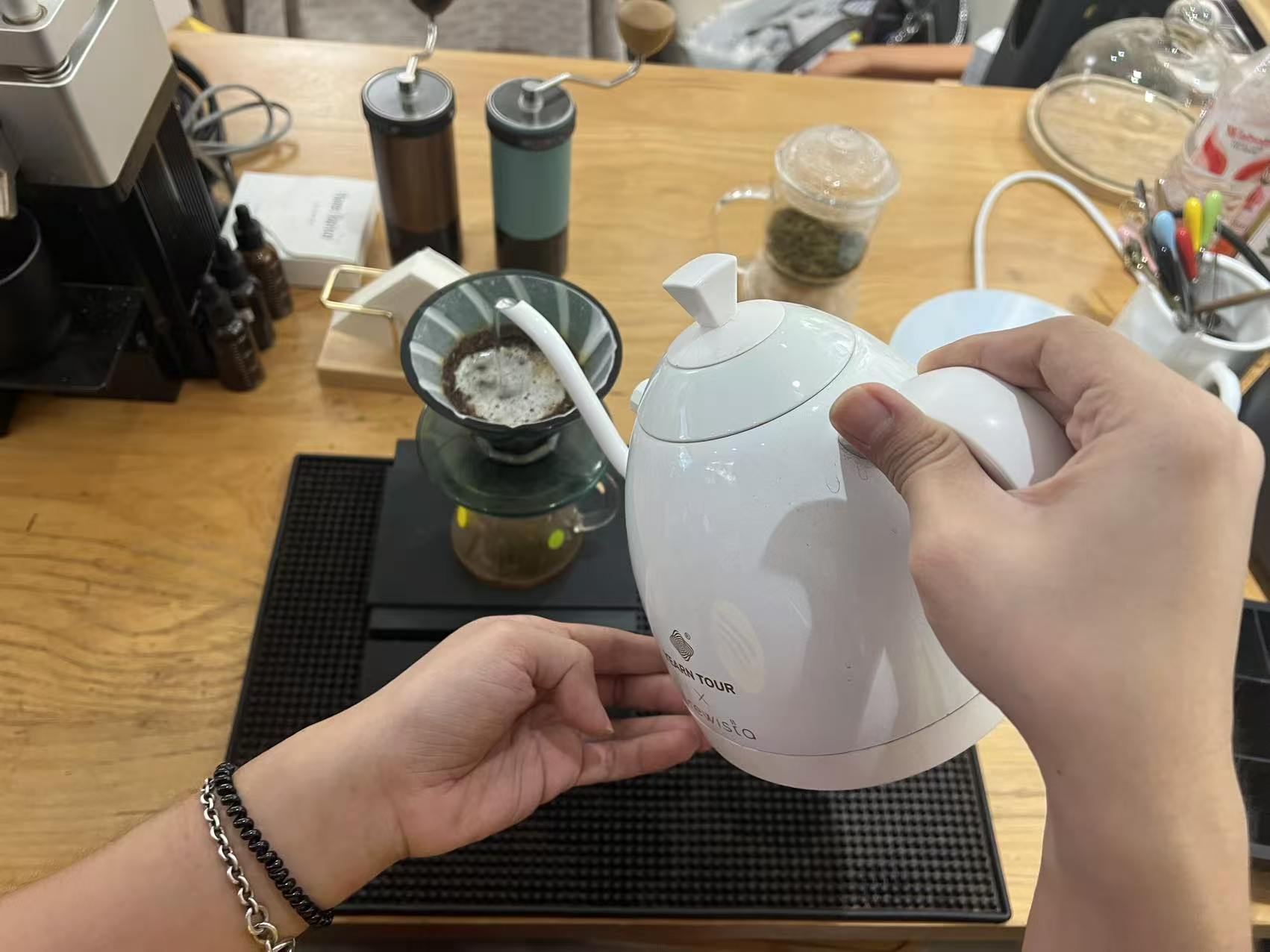
RunCam Feed Camera kit preview RunCam Feed Camera worn setup preview
1080P60FPS RGB
IMU.GCSV DATA
USB-C 5VPOWER BOX
HEADCHESTFIXTURE
Wearable EGO capture kit for real-world task data
// WHY RUNCAM FEED CAMERA

Made for repeatable field capture,
not just casual recording.

Standard action cameras are often too heavy, too battery-limited, or not deployment-friendly enough for structured data collection.
RunCam Feed Camera focuses on lightweight wearing, external power, local recording, and practical B2B deployment.

01// WEAR

Lightweight EGO Setup

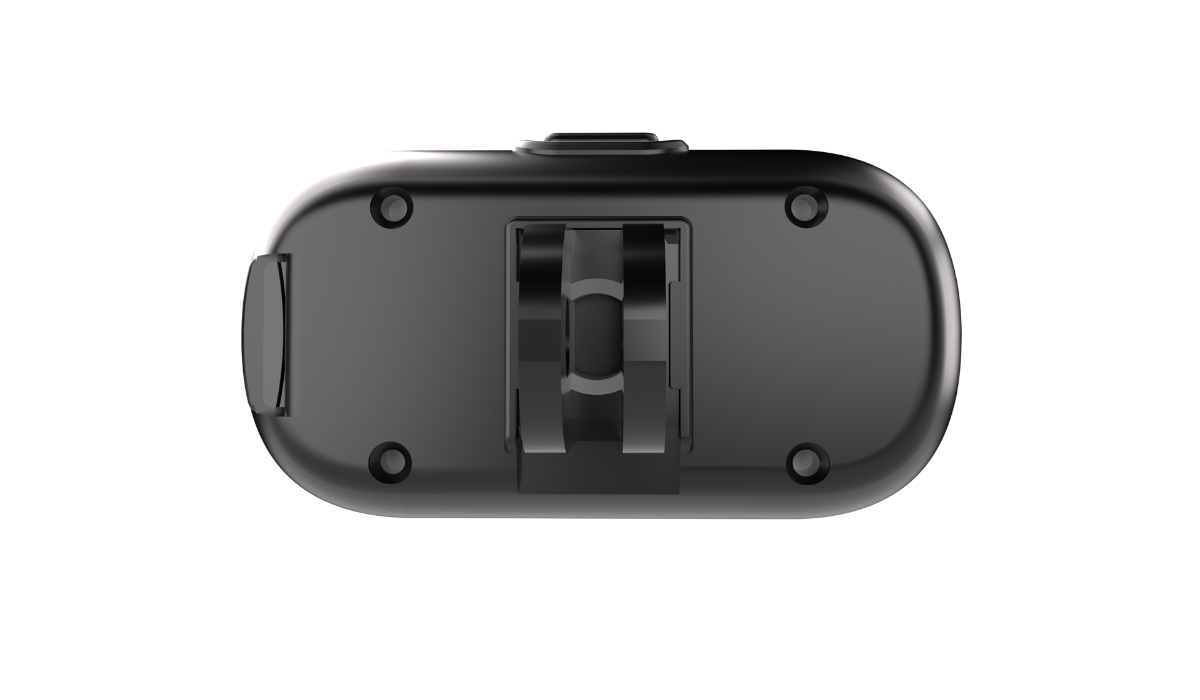
Compact camera body for head-mounted, chest-mounted, cap-mounted, or fixture-based recording.

RunCam Feed Camera lightweight EGO setup illustration
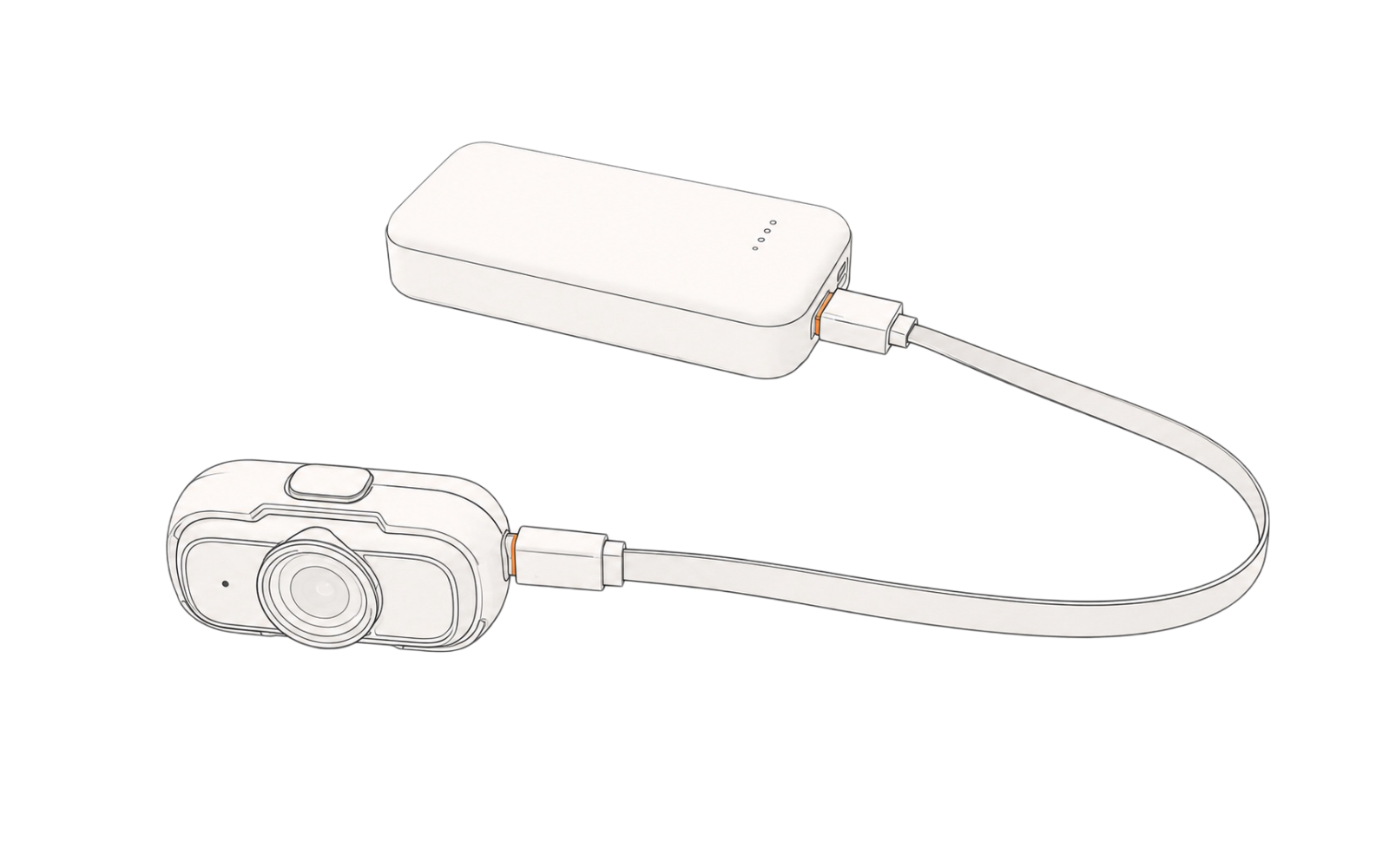
02// POWER

Long-Duration Ready

Supports an external USB-C 5V Power Box for extended capture sessions of at least 10 hours, making it suitable for continuous recording during real-world task workflows.

RunCam Feed Camera external power illustration
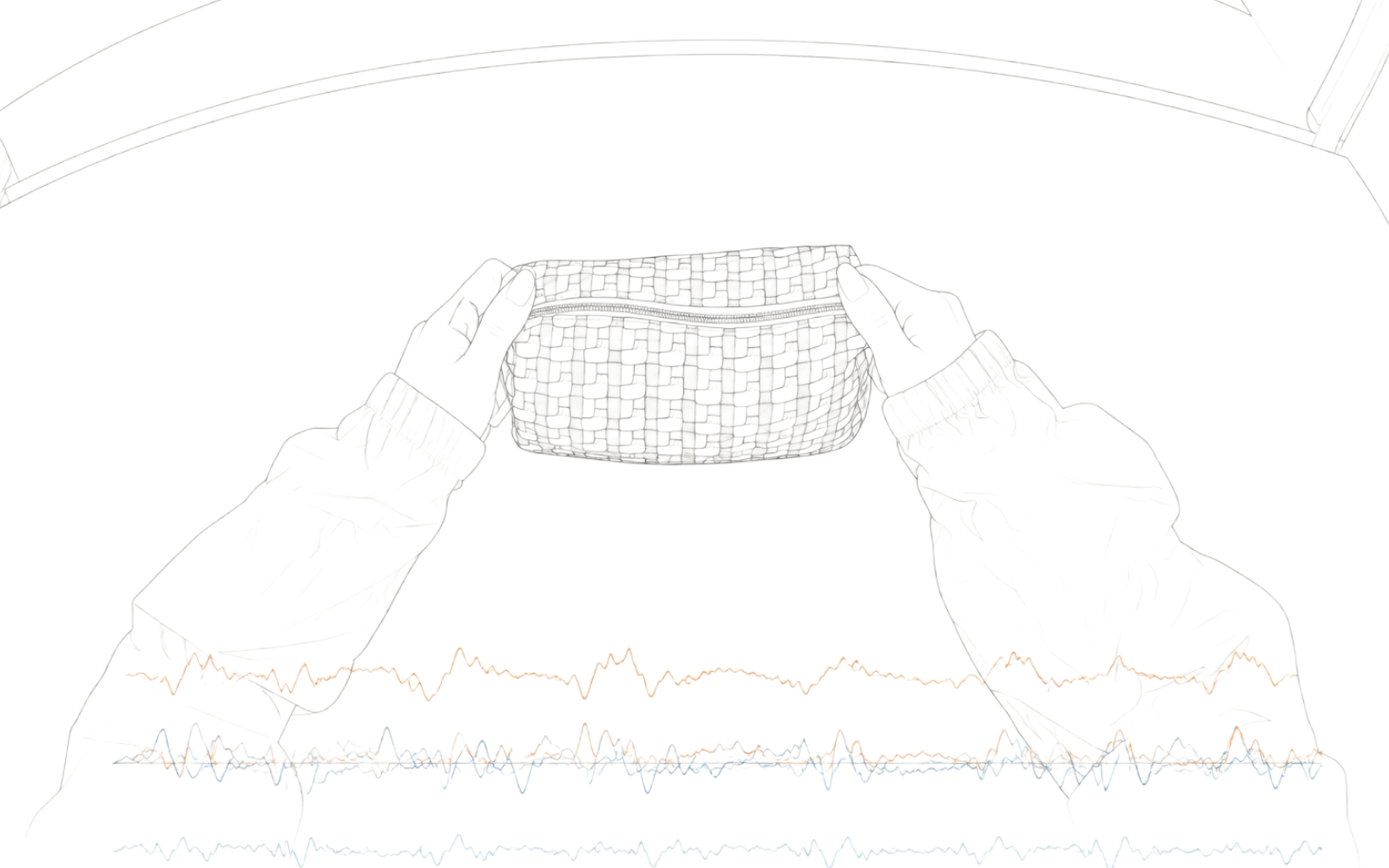
03// DATA

RGB + IMU Support

Video frames and IMU data are recorded using a shared time base, creating traceable and matched RGB + IMU data packages.

RunCam RGB and IMU synchronized data illustration
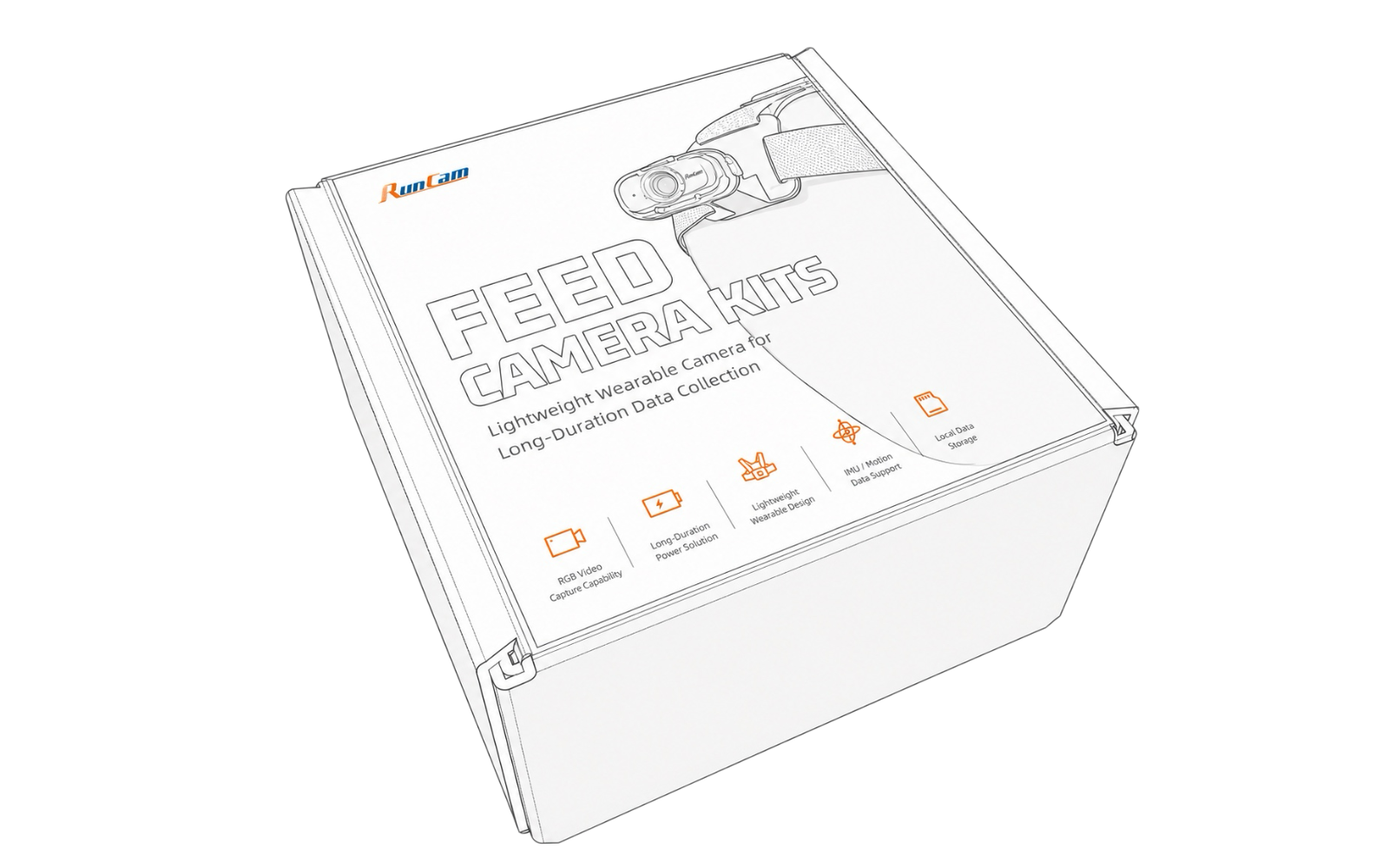
04// DEPLOY

Deployment-Ready Setup

Standard kit with camera, storage, mounting, and power accessories, making it easier for teams to set up repeatable capture workflows.

RunCam Feed Camera kit deployment illustration
// APPLICATIONS

Practical EGO data capturefor real-world task workflows.

RunCam Feed Camera is best suited for lightweight, first-person recording tasks where teams need visual context, wearable mounting, external power, and local storage — without building a complex camera system from the ground up.

HANDSTOOLSOBJECTS

Human Activity Data Collection

Capture hands, tools, objects, workspace, and first-person perspective for egocentric recording and dataset preparation.

STEP 01CHECKREPEAT

Workflow & SOP Recording

Record real-world operating processes such as assembly, inspection, maintenance, and task execution from the worker's EGO for training, review, and process documentation.

HEADCHESTFIXTURE

Hands-Free Task Recording

Enable operators to record tasks without handheld cameras, supporting head-mounted, chest-mounted, cap-mounted, or fixture-based recording setups.

PILOTDATAREVIEW

Research & Pilot Projects

A practical hardware option for early-stage validation, multi-session recording, and project-based configuration support before larger-scale deployment.

// CAPTURE WORKFLOW

From setup to dataset handoff.

A simple visual workflow for repeatable EGO data capture, from wearable setup to local file retrieval.

01// MOUNT DEMO SLOT
MP4GCSV
Mounting Reference Set the camera angle and mounting position before each capture session.
Interactive workflow preview for a repeatable EGO capture setup.
01//
MOUNT

Attach RunCam Feed Camera to the operator.

Use a head mount, chest mount, cap mount, or custom fixture. Angle marks can help improve repeatability across sessions.

02//
POWER

Connect a USB-C 5V power source.

Use an external USB power supply or the RunCam Power Box for long-duration recording during real-world task workflows.

03//
RECORD

Record real work from EGO.

RunCam Feed Camera automatically starts recording after power-on by default, delivering operator-perspective RGB video with IMU-assisted motion data for additional context.

04//
COLLECT

Retrieve local files from microSD.

Export .mp4 video files and related .gcsv data files for review, annotation, dataset preparation, or internal workflow analysis.

05//
REPEAT

Repeat across operators or sessions.

Use the same camera setup, mounting reference, and SOP to support repeatable data collection across multiple users or sessions.

// TECHNICAL SPECIFICATIONS

Compact specs for practical deployment.

RunCam Feed Camera Datasheet

PDF

Includes detailed specs, setup notes, standard kit information, sample footage references, and IMU data file details for internal quick review.

Request Datasheet
Technical review Purchasing evaluation Project planning
Video
1080P 60FPS default / 30FPS optional
Format / Encoding
MP4 / H.265
Bitrate
18Mbps
FOV
Approx. D: 150° / H: 126° / V: 69°
IMU
ICM-42607 (800 Hz)
Storage
microSD card, up to 512GB, exFAT / FAT32
Power Input
USB-C 5V external power
USB Mode
Mass storage / UVC
Weight
Approx. 26g
// IMU DATA CAPTURE

RGB + IMU Data Capture

Record visual and motion data together for advanced data collection.

The integrated IMU sensor captures motion information including gyroscope, accelerometer, and timestamp data alongside RGB video.

IMU Data Output

  • 800 Hz sampling rate
  • .gcsv raw data export
  • MP4 metadata integration

Supporting workflows such as:

  • Motion analysis
  • Data annotation
  • Video-motion reference
  • Post-processing applications
// CONFIGURATION OPTIONS

Configured Around Your Project.

The camera can be configured for project-specific recording requirements, while mounting, storage, and power accessories can be selected to suit the intended workflow.

01

Camera Configuration

Project-specific options may include video settings, firmware functions, data output, and other supported configurations, subject to technical evaluation.

02

Accessory Selection

Choose from head, chest, cap, or fixture-based mounting options, together with suitable microSD storage and external USB-C power solutions.

Available configurations depend on project requirements, order quantity, and technical feasibility.

// PROJECT INQUIRY

Tell Us What You’re Looking to Build.

Every project has different recording, mounting, and data requirements. Share your intended application, workflow, or technical needs, and our team will review what can be supported with the RunCam Feed Camera platform.

Not sure about the exact configuration?

Start with your application and expected workflow — technical details can be confirmed together.

SUBMIT REQUIREMENTS RUNCAM PROJECT FORM